PicagridGet started
A print design system for newspapers

Every issue,
on one grid.

Picagrid keeps your paper’s grid, templates and styles in one place. Your team writes, gathers photos and lays out each new issue together, then sends a print-ready PDF without starting from a blank page.

Sign in with Google, Microsoft, your company SSO or email.

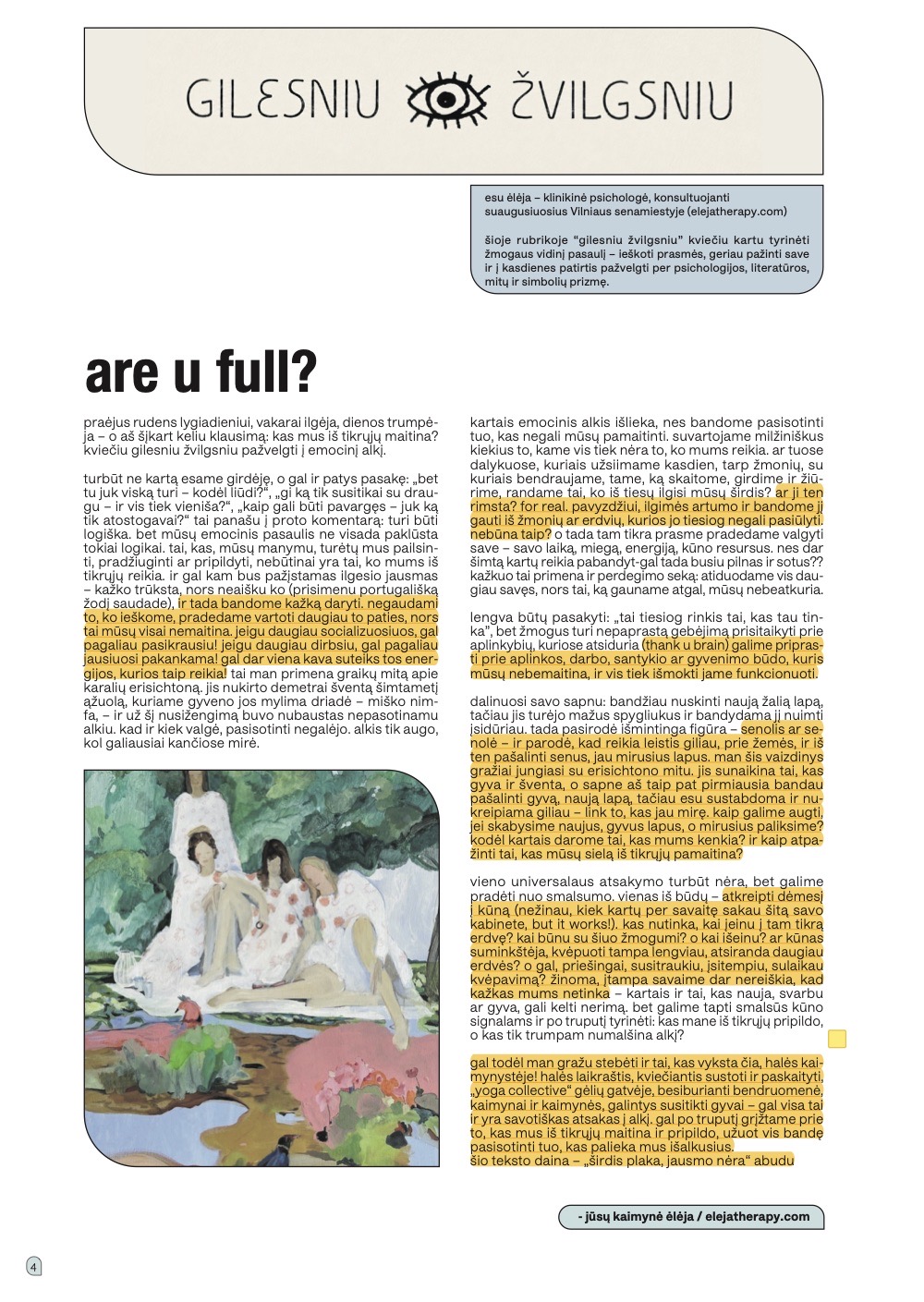
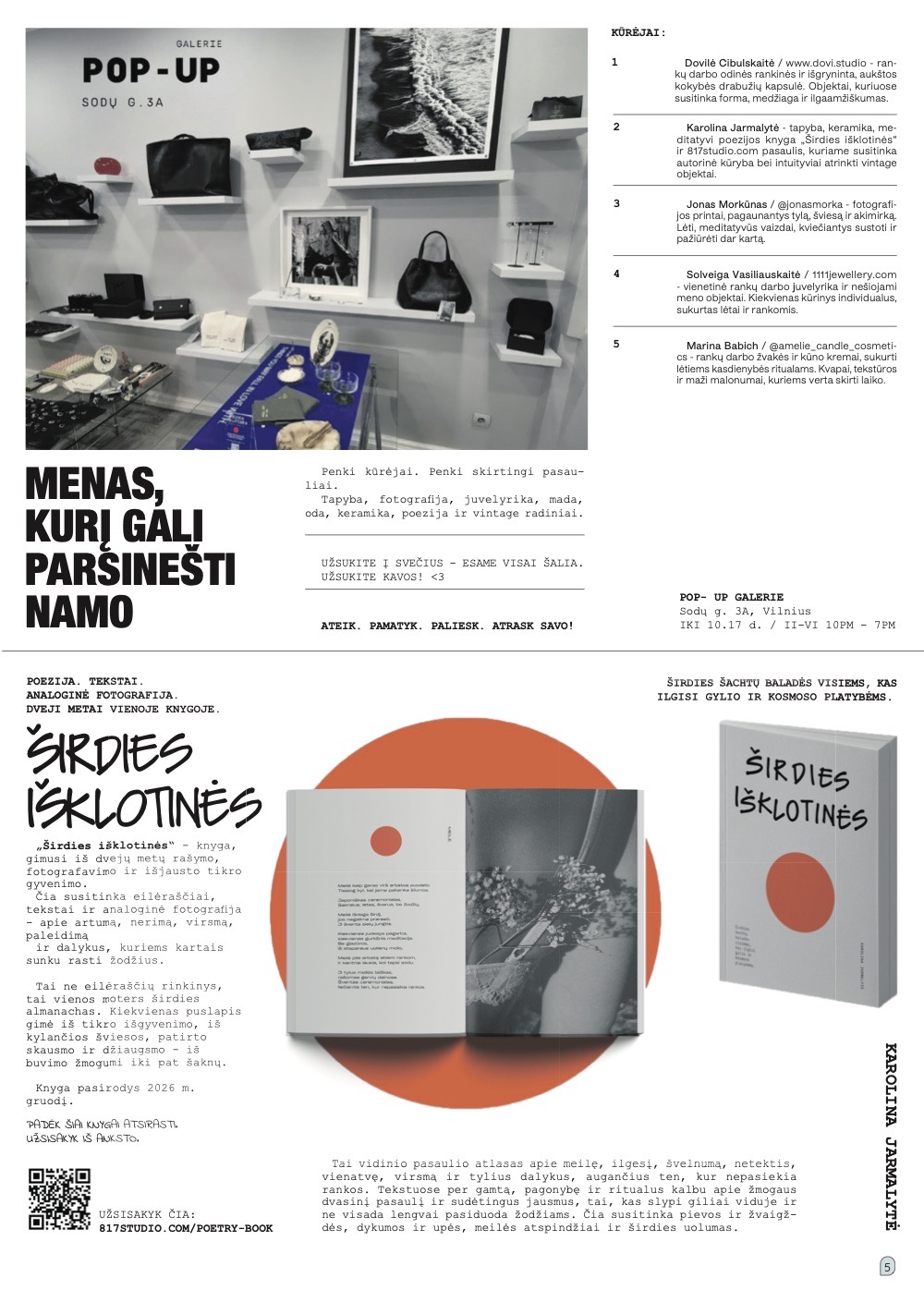
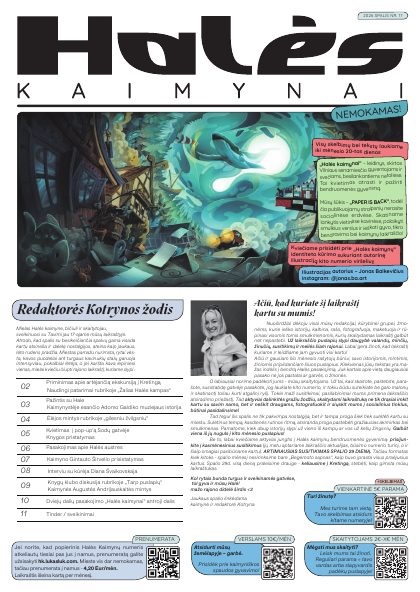
Built alongside Halės kaimynai, a free monthly neighbourhood paper from Vilnius old town.

How it works

From a blank grid to a printed paper

Design the system once. Every issue after that starts from it, so the paper looks like itself every month, whoever is laying it out.

  1. 1

    Set up your system once

    Choose the page size, columns, gutters and baseline. Save your cover, features and back page as templates, each with its paragraph styles.

  2. 2

    Gather each issue

    Start a release from your issue template. Writers draft in a word editor with print styles, and photos are dropped in by the batch.

  3. 3

    Lay out and send to print

    Place text and images on the grid. Picagrid flags overset text and low-resolution photos, then exports a press-ready PDF.

The editor

If you know InDesign, you already know your way around

A real page layout editor in the browser, with the panels, names and shortcuts designers expect, and type set as carefully as on press.

Works the way you already do

A Control bar across the top, menus with InDesign’s names and shortcuts, fill and stroke squares under the tools, and ⌘K for any command. Fields take 12pt or 40+12, just as they do there.
Type set as carefully as on press

Whole paragraphs are justified at once, with Lithuanian hyphenation, optical margins, and the font’s own small caps and old-style figures. Nested and GREP styles set first sentences, numbers and run-in heads by themselves.

Stories that flow across pages

Thread an article through frames and pages, and its jump lines and page numbers follow when pages move. Footnotes set themselves at the foot of their column, and running heads fill in the date and section.

Shapes, pictures and tables

Draw with the pen, round or bevel any corner, and join shapes with Pathfinder. Wrap text around a photo’s outline. Tables merge cells and run on across frames, repeating their header rows.

Organise

Projects, issues and everything in them

Each publication is a project. Inside it, every issue is a release with its own text, photos and pages, built on the templates you already trust.

  • Projects for each publication. Ongoing, or with a deadline for a one-off supplement.
  • Releases you can read at a glance. Draft or finished, with pages designed and texts placed.
  • Assets where they belong. Logos and rubric headers shared by every issue, photos kept with theirs.
  • Templates as the source of truth. Change a template and the drafts built on it follow.
Collaborate

Your editor, writers and designer, together

Writers write, photographers upload, the designer lays out, and the editor sees it all come together. No more chasing files across email and chat.

  • Roles that match the newsroom. Owners, editors and viewers, set for the organisation and for each project.
  • Writers stay out of the layout. They write in a familiar editor with your print styles; the designer places the text.
  • Read mode for proofreading. Check the copy without changing it by accident.
  • See who changed what. Every edit to text, releases, templates and assets, with a name and a time.
Print-ready

Catch problems before the printer does

Picagrid knows it’s making paper. It checks every page against your grid and the press, so the PDF you send is the paper you meant.

  • A real grid, not guides. Frames snap to columns and every line to the baseline.
  • Resolution checks on upload. Each photo shows how wide it prints sharp at 300 ppi.
  • Copy fit while you write. Writers see how many words their placement holds.
  • Preflight before export. Overset text, bleed and fonts are checked on every page.
Also included

Everything a small paper needs

Grid and baseline snapping

Set columns, gutters and baseline once per paper. Every frame lands on it.

Reusable templates

An issue template plus page templates for your cover, features and back page.

Text with print styles

Headings, lead, body, quotes and signatures. No hyperlinks, because it’s paper.

Shared and release assets

Drag in a whole shoot at once. Move photos between an issue and the project.

Roles and project access

Invite your team, set who can edit, and give your printer view-only access.

Secure sign-in

Google, Microsoft, company SSO or email, with two-factor from day one.

Start your next issue on the grid

Set up your organisation in a few minutes, bring in your grid and templates, and invite the people who make the paper with you.